My Voice Comes Up Through Me
My Voice Comes Up Through Me is an interactive binaural sound poem that uses your phone as a low-tech VR controller. There’s no visual component to the piece at all – so close your eyes. As you look around, you discover sounds around you which grow into a rich immersive environment with overlapping vocal textures. It doesn’t need specialist equipment, just a phone, a pair of headphones and tape or a rubber band. It’s an early experiment into audio-only VR, blending the nonlinear interactivity of gaming with the immediacy of sound poetry.
Download the app directly here:
Android devices only, sorry. Note you may see some warnings about untrusted sources but the app is completely safe.
If this is your first time playing, read the Controller Guide below.
If you can't download it yourself, check out O Stecina's playthrough below.
Above: a promotional image from Play Festival featuring this piece as part of their Creative Gaming Awards.
My Voice Comes Up Through Me was conceived and developed by me for Play22 - Creative Gaming Festival as a way for me to try my hand at creating an audio game. I'm not a game developer, I'm a sound artist and sound designer, but I'm really interested by the possibilities of using gaming and game engines to develop interactive sound pieces.
I want to give a massive shout out to Brian Topp who was a big help in the conceptualisation and development stages of this. And to my friends who helped made the piece a lot more solid through conversations about its composition and play testing it when it was done.
Controller Guidehow to attach your device to your headphones
The way I’ve been doing it is using regular gaffer tape (any strong tape will do), rolling it back to make it double-sided, and then securing it on at least two points on the back of the phone.
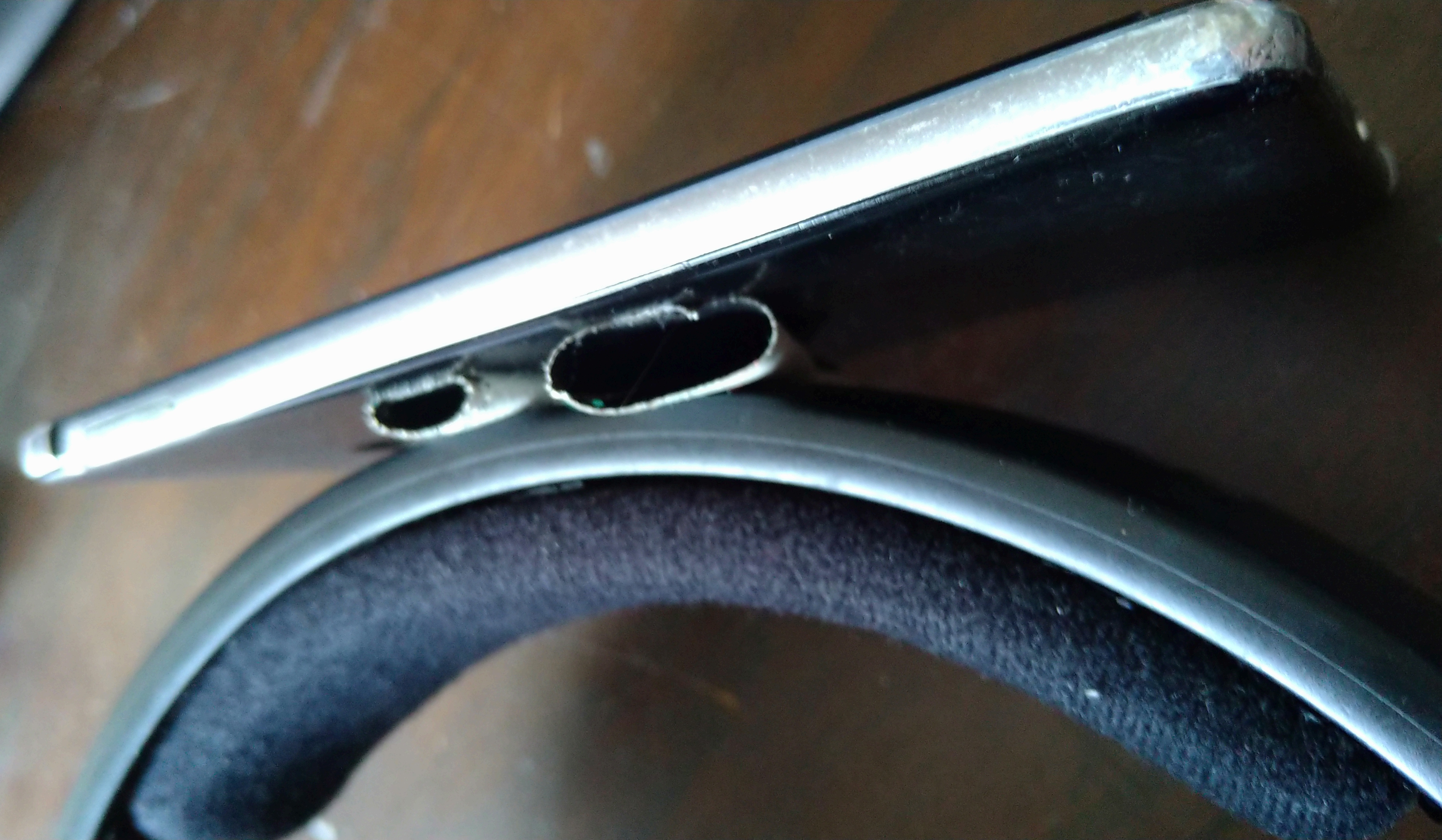
Make sure the headphones are the right way round, then attach the phone to the headphone band. The front of the phone should face up and the top of the phone should face to the wearer’s left.
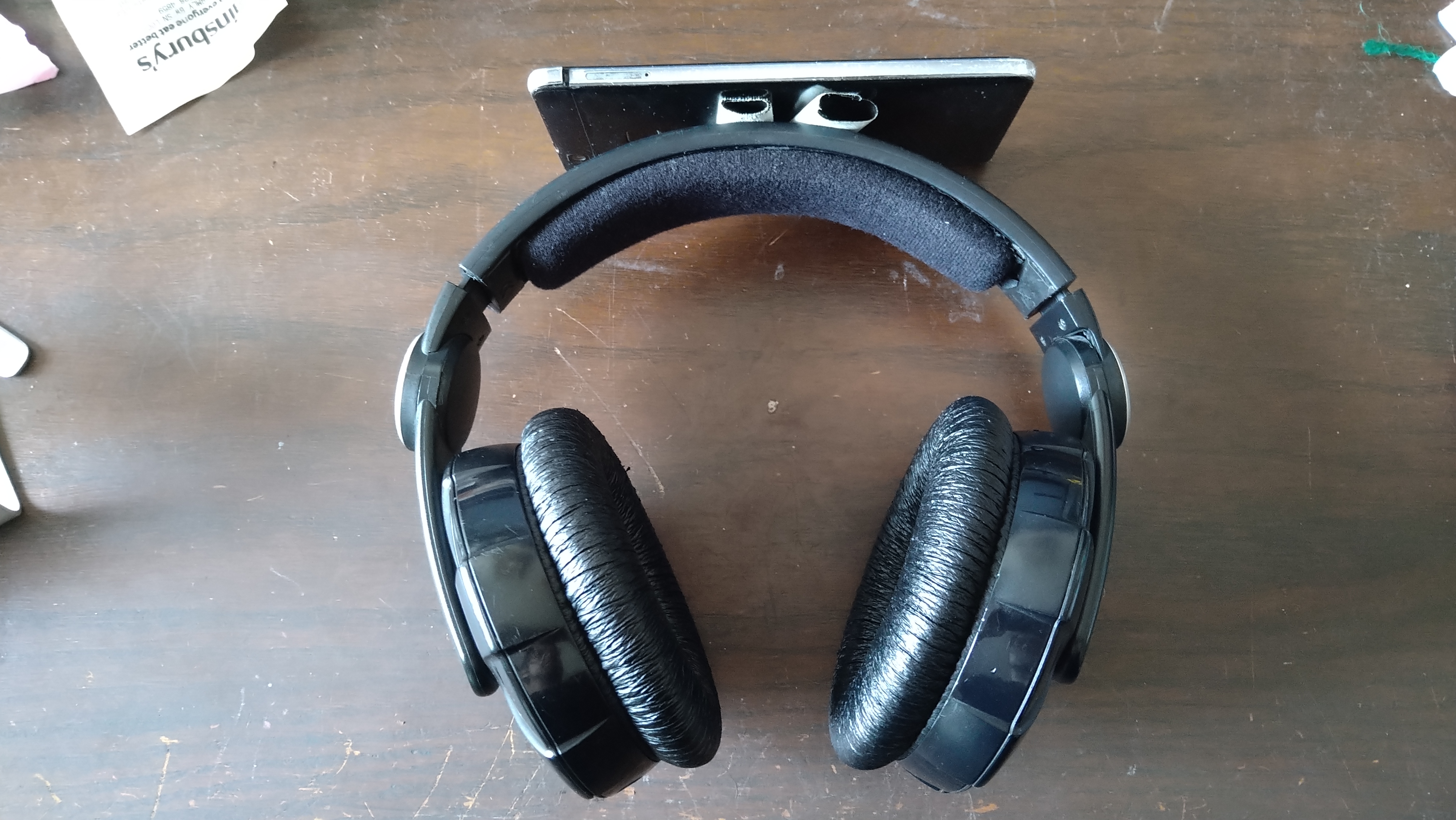
It doesn’t matter if it’s not exactly level, as there’s calibration built into the piece, but try and keep it relatively straight.
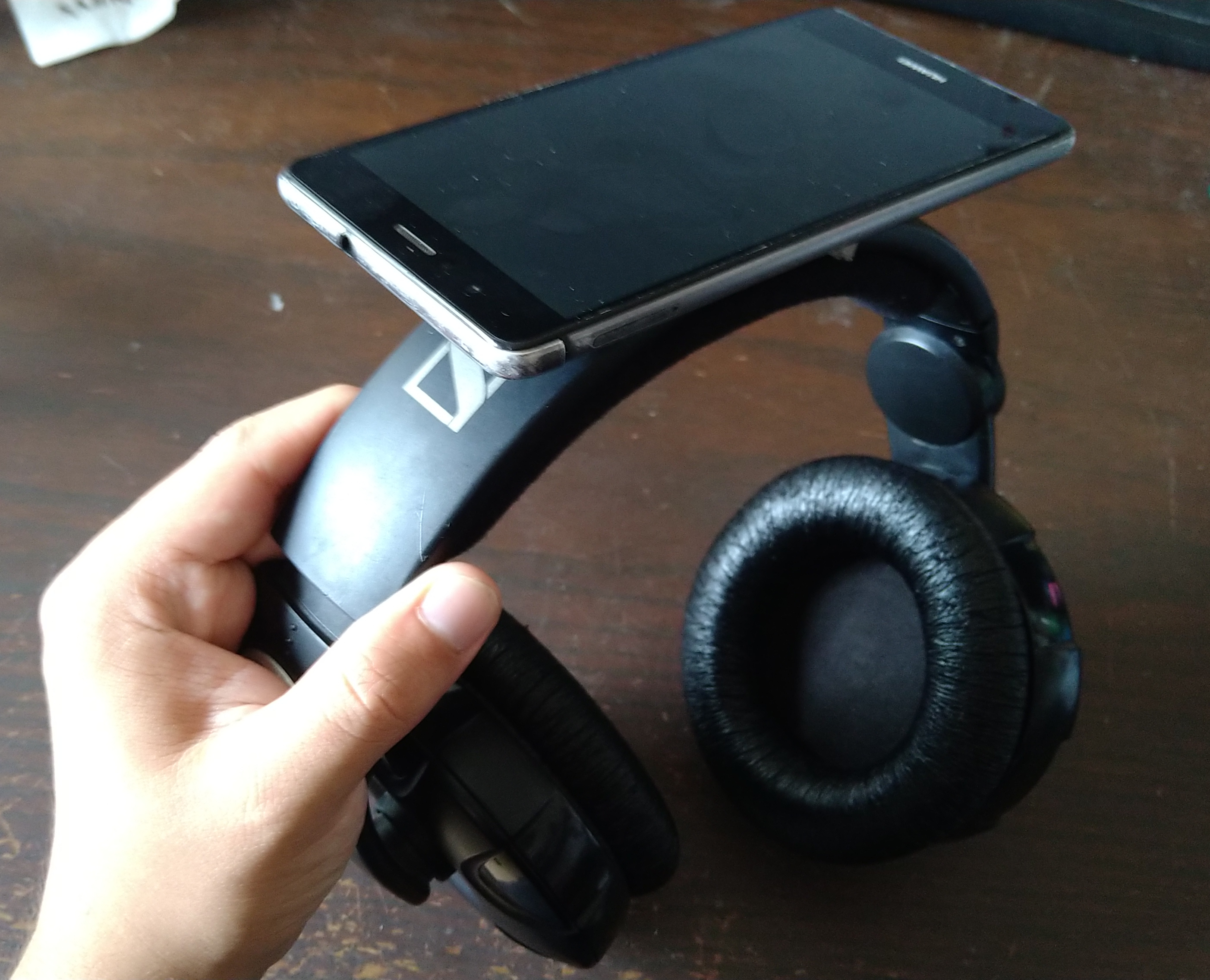
If that’s not secure enough then try securing it around the front, either wrapping it with tape (I would say use electrical tape or selotape rather than gaffer or duct, as it won’t leave residue on the screen), or with rubber bands / cable ties.
I would recommend to only launch the app once the phone is attached, and then put your headphones on when directed once the app is running, so you can be sure it’s working.
That’s it! Further directions will be played back through the headphones once the piece begins.

Above: a selfie of your humble artist wearing the controller as intended.
Gallery
If you take some photos of you playing My Voice Comes Up Through Me, send them over and I'll put them here!
Above: Game designer O Stecina does a demo of the piece, showing how it sounds in real time as they move their head.
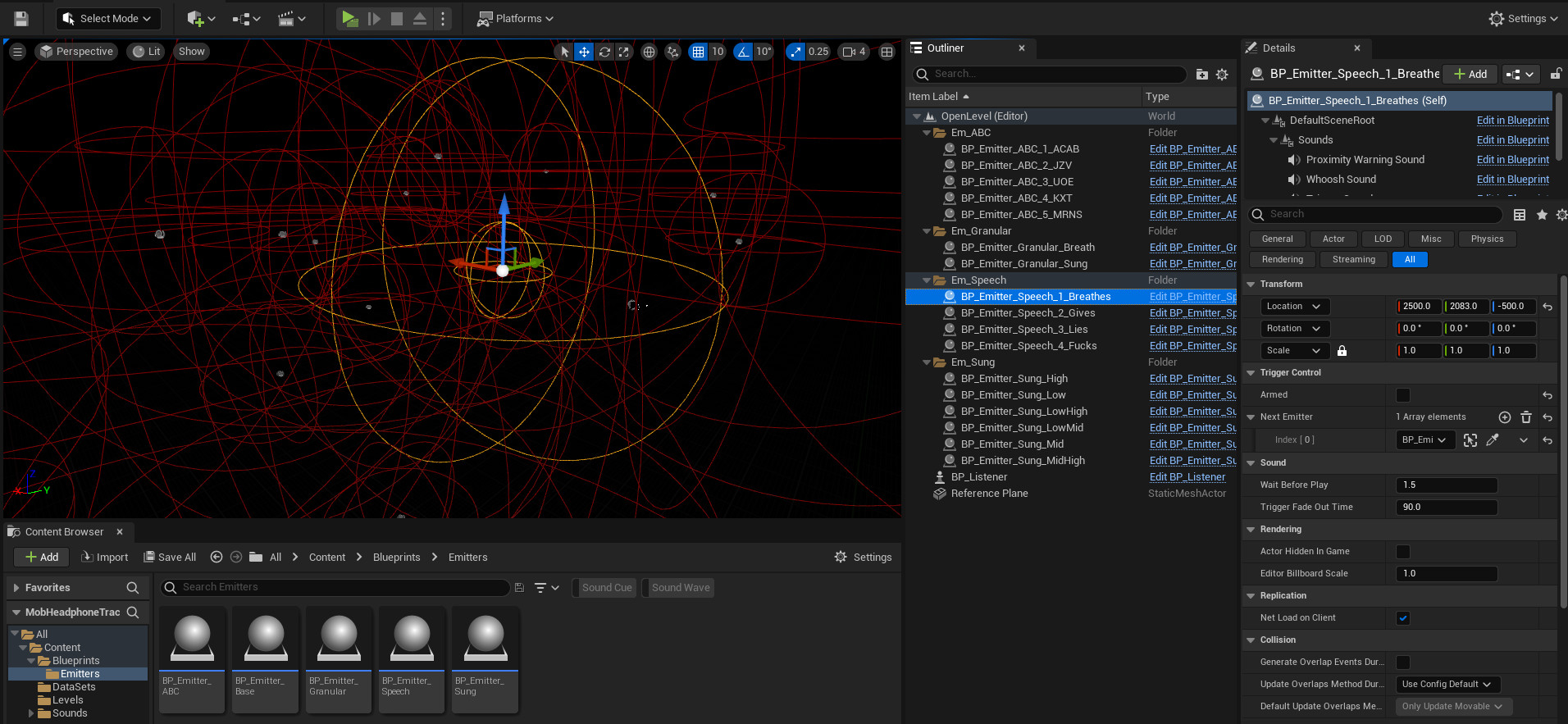
Above: a screenshot from Unreal Engine, the software in which the piece was developed in. On the main window, a series of outlines of overlapping spheres correspond to the limits of where the sounds start triggering as the user looks around.
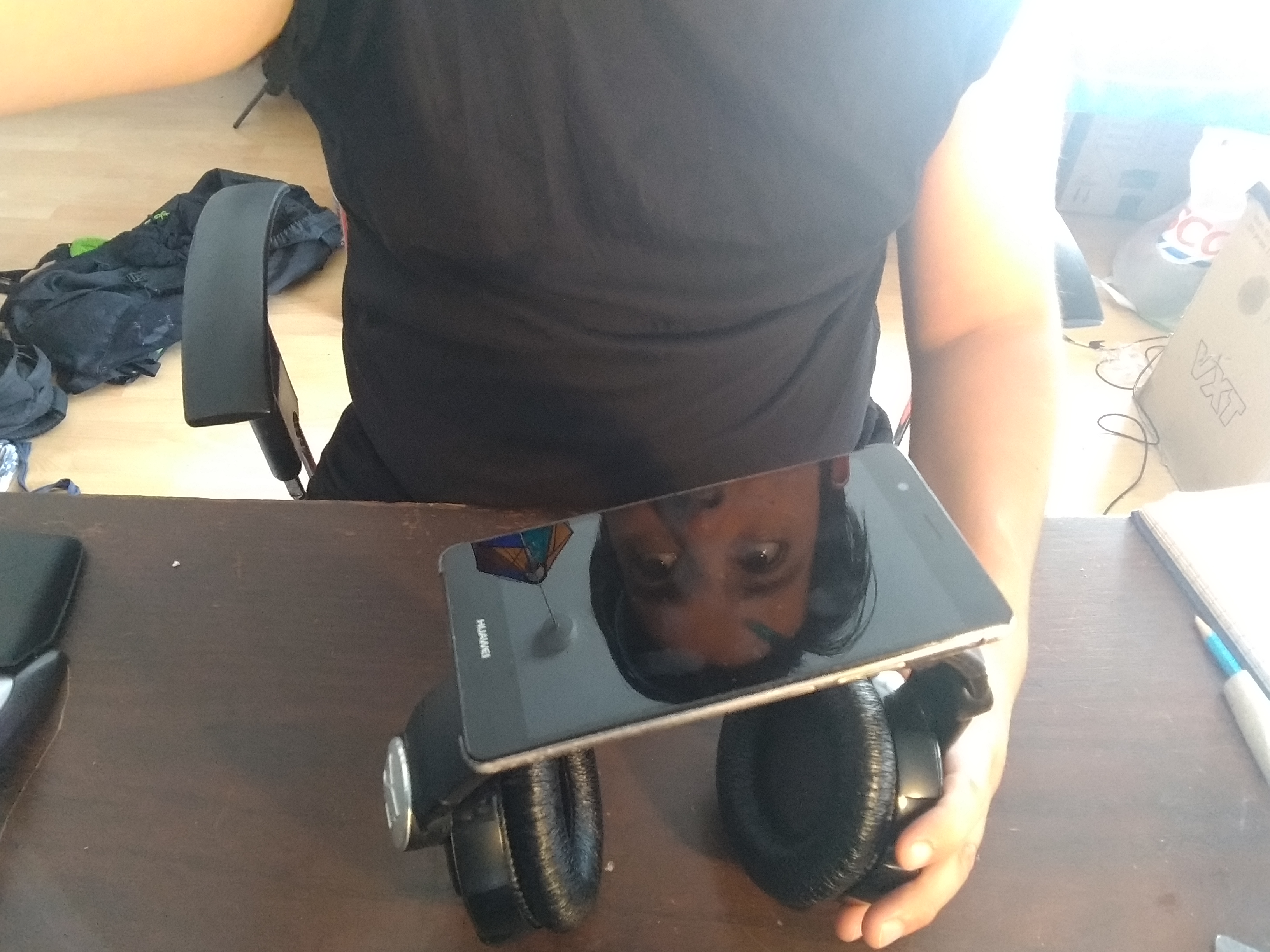
Above: My face reflected in my phone as I hold the controller up. I had to submit images with my submission so there's a few of these.
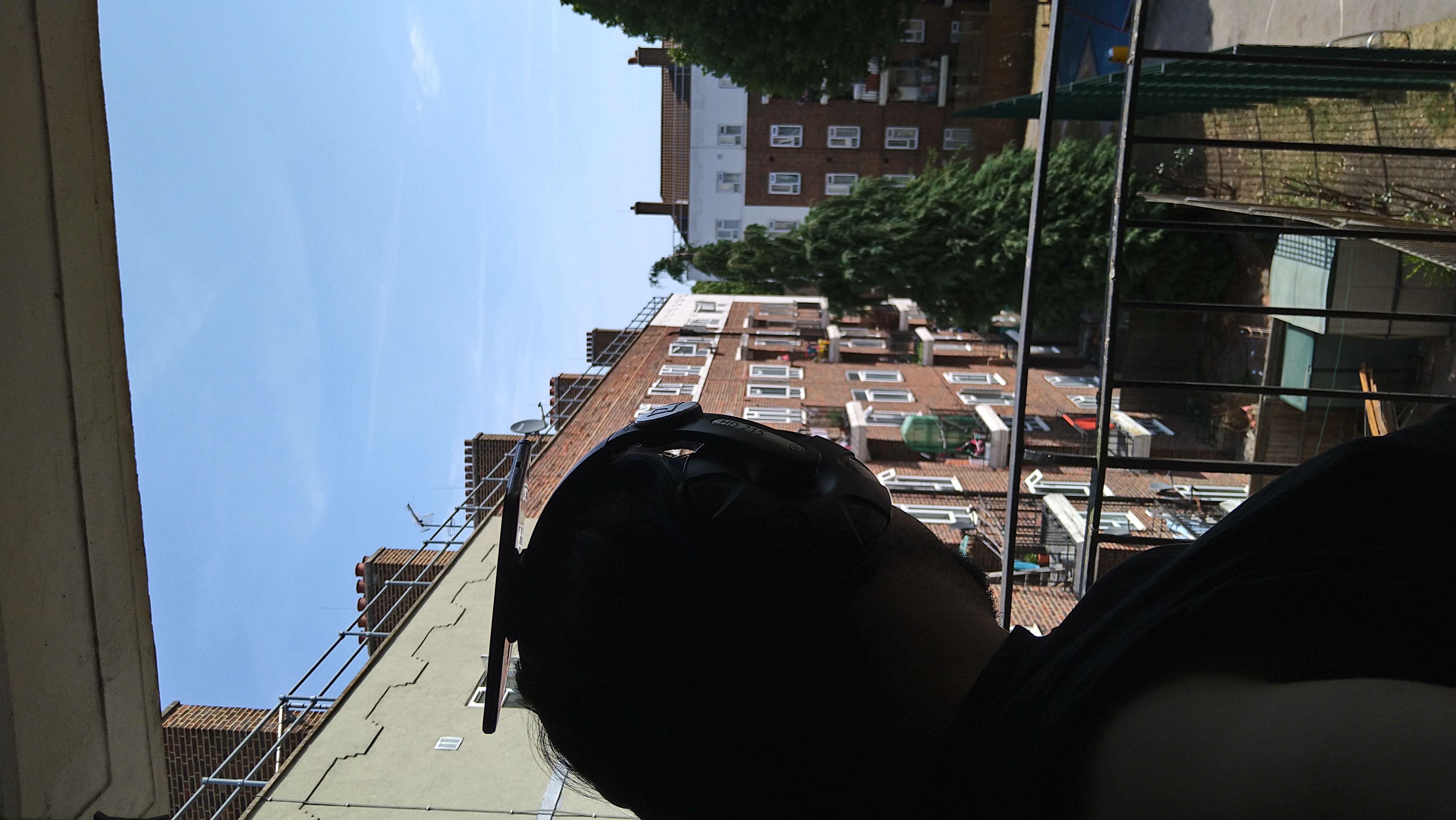
Above: A selfie from behind, looking out over my estate while wearing the controller. Again, no real reason for this other than I had to make some pictures.